How to Access the WordPress Admin Dashboard
WordPress is an easy to work with CMS software. To access a WordPress account, please follow these instructions:
1. Open https://example.com/wp-admin in the web browser. Do not forget to replace example.com with your domain name.
2. Enter your WordPress credentials and click on Login.

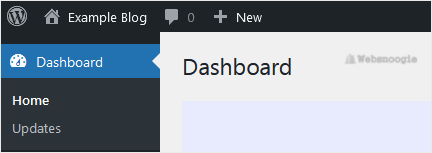
3. If your login details are correct, you will have successfully logged into the WordPress Dashboard.